Best Portable Monitors: The 7 We'd Pack for the Road in 2026
A portable second screen is the biggest quality-of-life upgrade for working out of a van, an RV, or a boat, and it is also the biggest discretionary power draw you add to a mobile desk. Picking one is a power and light decision before it is a picture decision: whether it runs on a single USB-C cable or needs its own brick, how hard it pulls on your battery (a second screen can turn a 6 hour laptop charge into about 4), and whether you can read it when the cabin is bright. We don't run a lab. We read the owner-review signal across Amazon and the manufacturer spec sheets, plus the reviewers who actually work from the road. Then we ranked these seven by the two failure modes that decide whether a screen earns its weight off-grid: the cable-and-power story, and whether the brightness survives a sunny window. We name the draw, the panel, and what to skip.
- 01 ASUS ZenScreen MB169CK , top pick, dual USB-C so it can take passthrough power instead of draining your laptop
- 02 ViewSonic VA1653 , the value pick with a real built-in stand at $90
- 03 KYY 15.6 inch , the budget volume-seller, near 13,000 reviews at $66
- 04 AOC 15.6 inch 125% sRGB , the ultra-slim color pick when pack-thinness matters
- 05 cocopar Touchscreen , touch navigation and VESA mounting for a cramped cabin
- 06 Arzopa Z1FC 16.1 inch 144Hz , high refresh for a stationary van desk
- 07 INNOCN 15.6 inch OLED , the OLED pick for color work and dim-space glare
How they compare.
| Rank | Product | Best for | Price | Our score |
|---|---|---|---|---|
| 01 | ASUS ZenScreen MB169CK
Top Pick
| Everyday mobile second screen | $109
Buy → | 8.9/10 |
| 02 | ViewSonic VA1653 | Value, built-in stand | $90
Buy → | 8.6/10 |
| 03 | KYY 15.6 inch | Cheapest credible screen | $66
Buy → | 8.4/10 |
| 04 | AOC 15.6 inch | Ultra-slim and color | $106
Buy → | 8.3/10 |
| 05 | cocopar Touchscreen | Touch and VESA mounting | $170
Buy → | 8.3/10 |
| 06 | Arzopa Z1FC 144Hz | High refresh, van desk | $110
Buy → | 8.2/10 |
| 07 | INNOCN 15.6 inch OLED | Color work, dim spaces | $200
Buy → | 8.1/10 |
Prices are current Amazon prices at time of publication and can change. Scores reflect our editorial evaluation, not vendor input.
Our #1 pick: ASUS ZenScreen MB169CK.
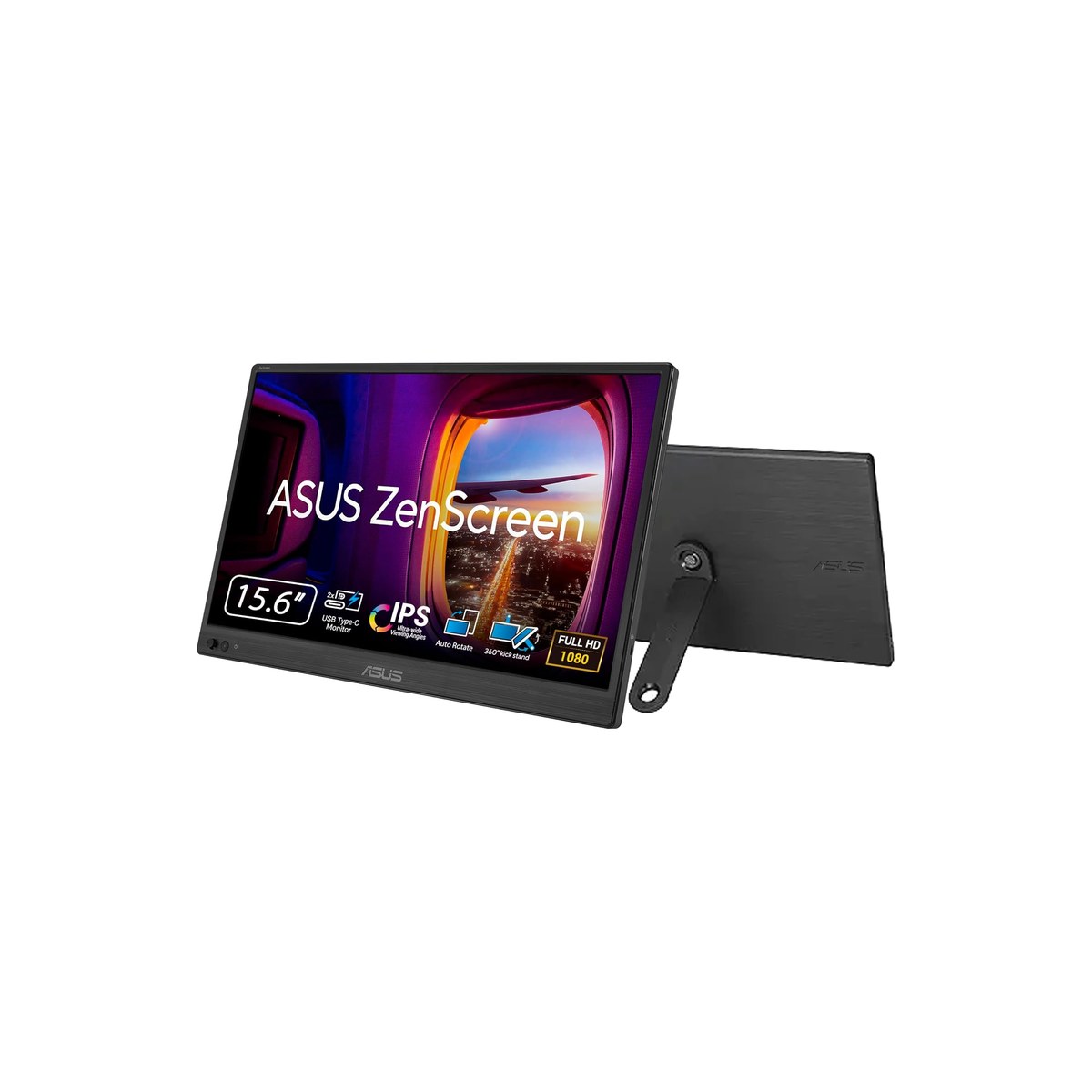
ASUS ZenScreen MB169CK
Dual USB-C runs it off a charger, not your laptop battery.
Who it's for: the person running a laptop from a van, an RV, or a boat who wants one screen that sets up in under a minute and never forces a choice between a second display and a charged laptop. It is the screen we would hand a friend outfitting their first mobile desk, the one that does the job without making them stop and think about it at all.
What we found: the dual USB-C ports are a big part of why it leads. Plug one into the laptop for video, and the second takes power from a USB-C PD charger or a power bank, so the monitor runs on its own feed instead of eating your laptop's battery. That single choice separates a usable off-grid screen from one that turns a 6 hour battery into 4. The 16 inch 1080p IPS panel matches a laptop lid, the anti-glare coating reads better in a bright cabin than the glossy budget panels, and the 360 degree kickstand plus a 3 year ASUS warranty are unusual at this price. Owners agree, at 4.5 stars across more than 2,800 reviews.
Bottom line: if you buy one portable monitor for mobile work, buy this one. The passthrough-power port is the feature that actually matters off-grid, where running the screen off its own bank instead of your laptop is the difference between finishing the workday and hunting for an outlet. ASUS is also the rare budget-adjacent brand with a real three year warranty standing behind the panel itself.
- + 16 inch 1080p IPS, sized to match a laptop lid
- + Dual USB-C, so one port does video and the other can take passthrough power from a charger or bank
- + 360 degree kickstand and a 3 year ASUS warranty, rare at this price
- + Anti-glare surface that holds up in a bright cabin better than a glossy panel
- × Tops out around 250 to 300 nits, so direct sun still washes it out
- × No built-in battery, it always draws from something
- × Built-in speakers are an afterthought, use your laptop or a headset
Runner-up: ViewSonic VA1653.
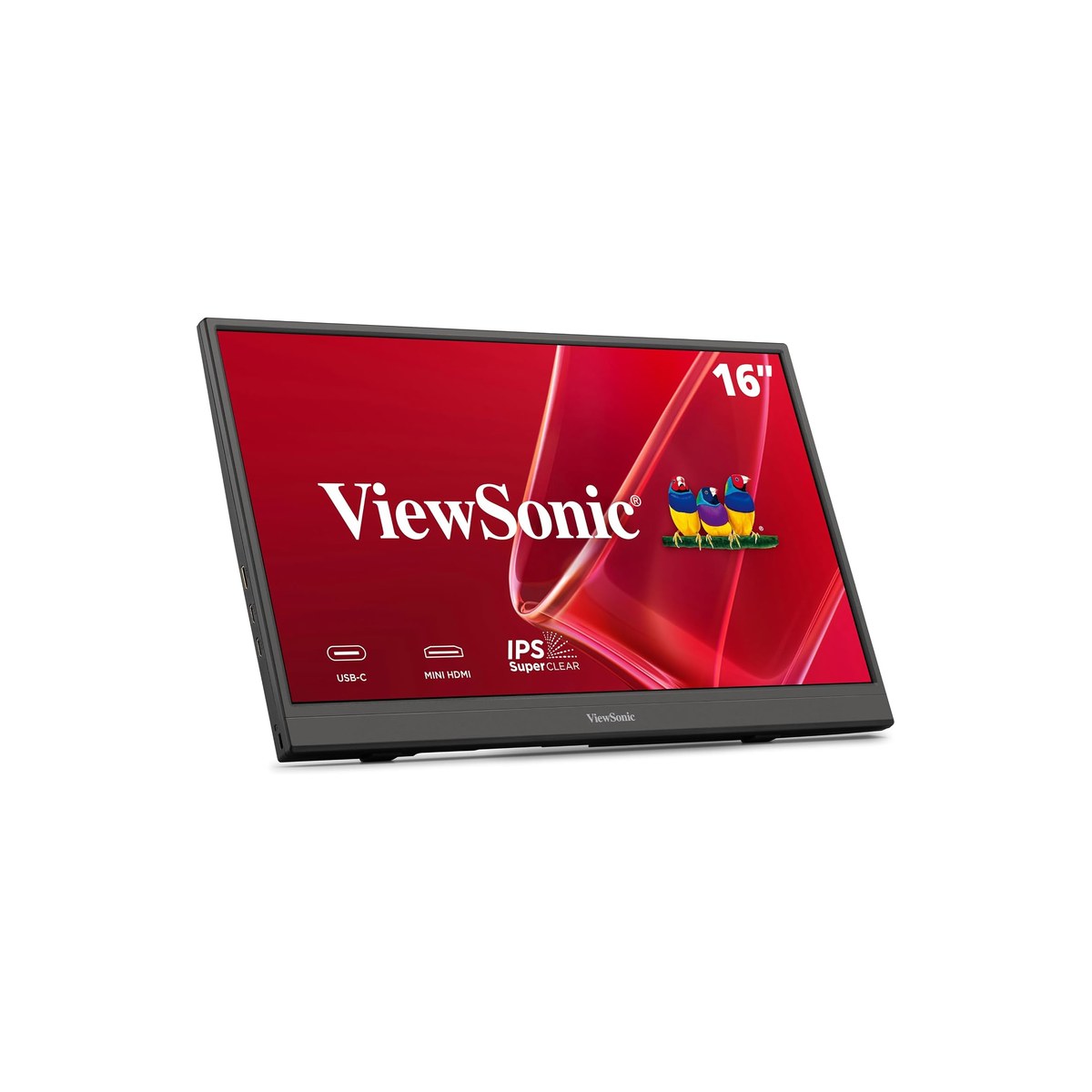
ViewSonic VA1653
The value 16-inch with a real built-in stand and one USB-C port.
Who it's for: the buyer who wants a brand-name 16 inch screen with a stand that won't flop over on a moving rig, and who is fine plugging the monitor's power into the same source as everything else rather than passing it through a second port. The value choice when a sturdy built-in stand matters more than one-cable simplicity, and you would rather not pay for a port you won't use.
What we found: at $90 the VA1653 is the value sweet spot. It is a genuine IPS panel, the integrated stand is sturdier than the magnetic flip-covers the budget crowd ships, and the mini-HDMI port means it works with a Nintendo Switch, a phone, or a laptop too old for USB-C video. The one real tradeoff against our top pick is the single USB-C port: there is no second port to take passthrough power, so on a USB-C-only laptop the monitor pulls from the laptop battery. You can route around that with the mini-HDMI input and a separate USB-C power lead, but that is two cables, not one.
Bottom line: the better buy if a built-in stand and a brand name matter more to you than passthrough power, and you do not mind managing the monitor's power feed yourself with the second cable. Step up to the MB169CK if you want the one-cable, run-it-off-a-bank simplicity that makes an off-grid desk painless, plus the longer ASUS warranty behind it.
- + 16 inch 1080p IPS from a known brand for under $90
- + Integrated fold-out stand instead of a flimsy magnetic cover
- + USB-C plus mini-HDMI, so it pairs with a phone, console, or an older laptop
- + More than 1,200 owner reviews at 4.3 stars
- × Single USB-C port, so it draws from the laptop unless you feed it over mini-HDMI plus a separate power lead
- × Around 250 nits, dim in a bright cabin and useless in direct sun
- × The built-in stand sets a fixed lean, less flexible than a 360 degree kickstand
Budget pick: KYY 15.6 inch.
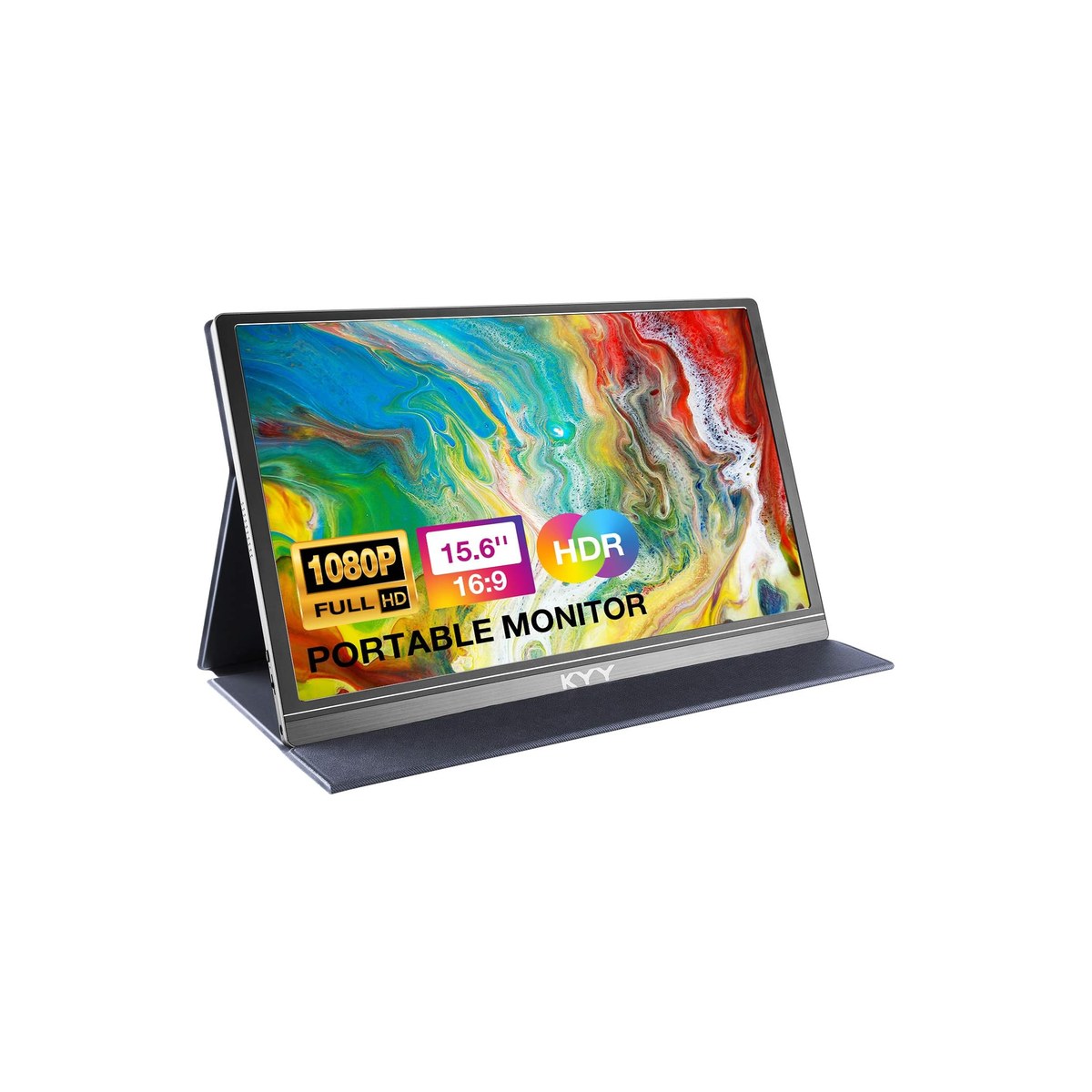
KYY 15.6 inch
Near 13,000 reviews at a third of the brand price.
Who it's for: the buyer who wants the cheapest screen that genuinely works and is not paying extra for a brand name or a long warranty. If the budget is tight and the screen lives indoors at a dinette or galley table rather than out in the weather, the KYY is the honest floor of what is actually worth buying in a 15.6 inch second screen.
What we found: KYY is the Amazon volume-seller in this category, with close to 13,000 reviews at 4.4 stars for $66, roughly a third of what the brand-name 16 inch screens cost. It is a real IPS panel with USB-C and HDMI, and the included smart cover folds into a stand. The honest tradeoff is the one every volume-seller carries: there is no 3 year warranty behind it the way there is with the ASUS, single-unit quality control is more variable, and the magnetic cover-stand is the first thing to feel cheap on a bouncing road.
Bottom line: it ranks above the pricier screens below it because most buyers want a cheap all-rounder, not a color, touch, or high-refresh panel they pay extra for. Buy it to save money on an indoor mobile desk where a fragile stand and thinner support are acceptable tradeoffs. Spend the extra forty dollars on the ASUS top pick if you want passthrough power that spares your laptop battery, a kickstand that survives the road, and a warranty you can call on.
- + Under $70 for a 15.6 inch 1080p IPS panel
- + Almost 13,000 owner reviews at 4.4 stars, the most-bought screen in this roundup
- + Dual USB-C plus mini-HDMI, plug-and-play with most laptops
- + Smart cover doubles as a stand, no extra purchase
- × The cover-as-stand is fragile and slips on a moving rig
- × Around 250 nits, dim outdoors
- × Single-brand QC is more variable than a warranty-backed name, the volume-seller tradeoff
Also worth considering.
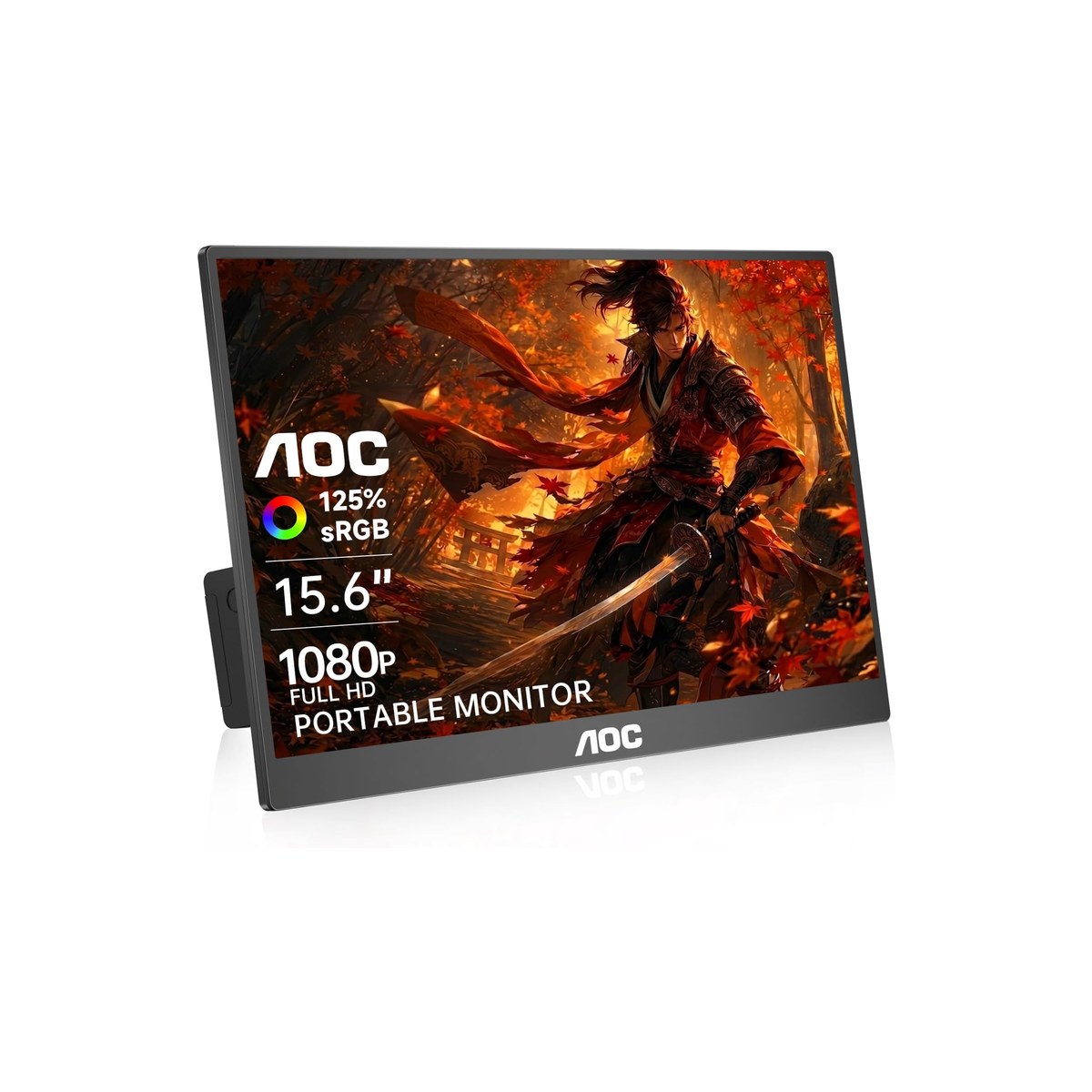
AOC 15.6 inch 125% sRGB
The ultra-slim color pick when pack-thinness and accurate color matter more than a second port.
Who it's for: the mobile worker who slides the screen into a laptop sleeve and wants color that is closer to right, for light photo culling or design review on the road.
What we found: the AOC covers 125% sRGB, wider than the basic panels here, in an ultra-slim body that packs flat against a laptop. It has dual USB-C plus mini-HDMI, sits at 4.6 stars across more than 1,600 reviews, and costs about the same as our top pick. Like the ASUS, the second USB-C port can take passthrough power, and its brightness sits in the same 250 nit neighborhood as the rest, fine indoors and weak in sun, so the wider color gamut buys you saturation, not daylight readability.
Bottom line: pick it over the ASUS if color accuracy and a thinner pack matter more to you than the ASUS kickstand and 3 year warranty. It is the best-looking panel in the sub-$110 group, and it keeps the passthrough-power trick.
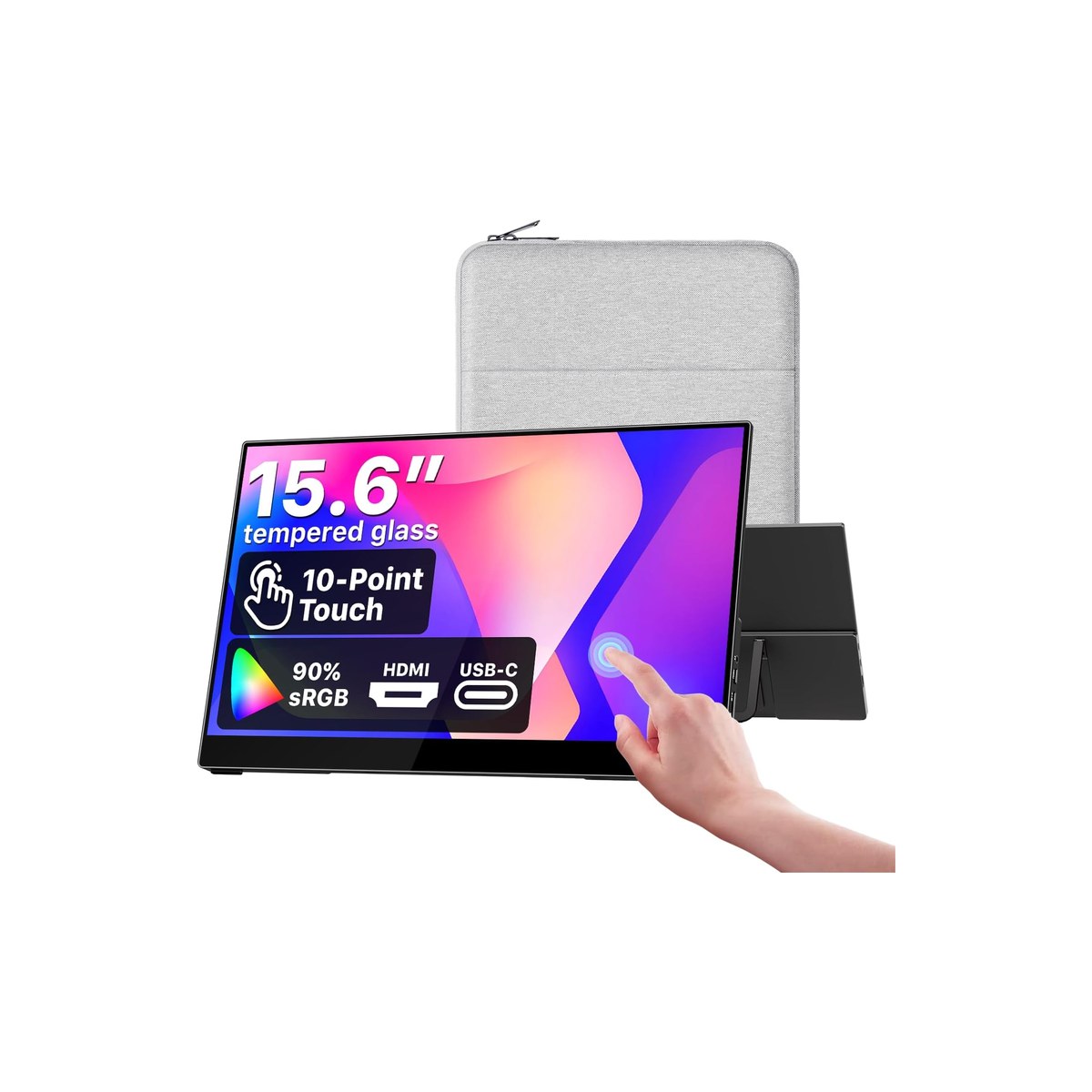
cocopar Touchscreen 15.6 inch
Touch navigation for a cramped cabin, and the only pick here you can VESA-mount to a wall.
Who it's for: the worker in a tight space who wants to tap and scroll instead of reaching for a trackpad, or who wants to bolt the screen to a VESA mount on a van wall instead of standing it on a surface that bounces.
What we found: the cocopar is the highest-rated screen in this roundup at 4.8 stars across more than 6,200 reviews. The 10-point touchscreen is genuinely useful for tablet-style navigation when the laptop is wedged sideways on a galley table, and it is the only pick here with VESA mounting holes, which matters if you want it off the work surface entirely. It runs over USB-C or HDMI. The cost is the price, $170, and touch adds a little power draw and a glossier surface that picks up more glare.
Bottom line: worth the extra cost if touch input or a wall mount solves a real problem in your space. If you only need a second screen on a desk, the cheaper picks do that job.
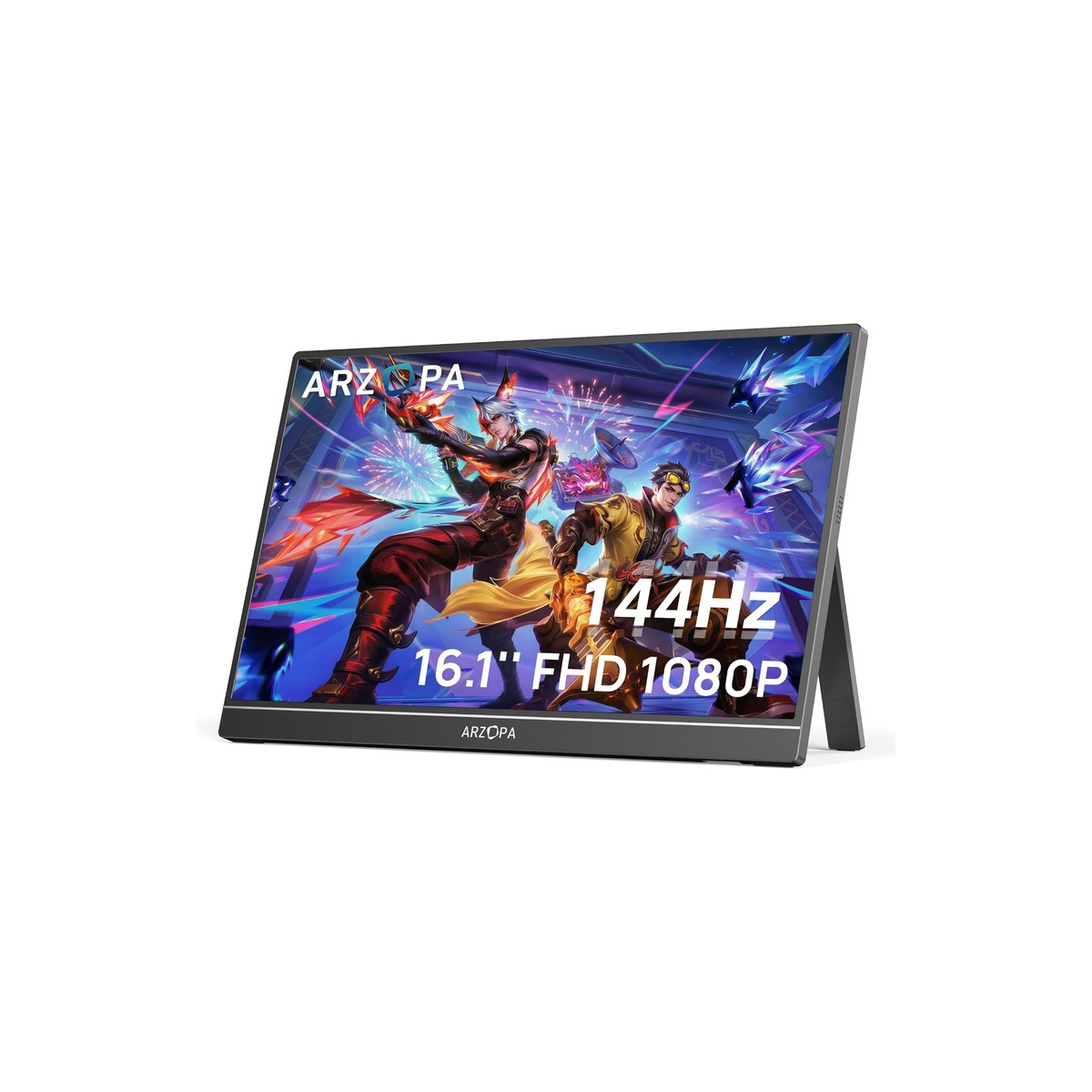
Arzopa Z1FC 16.1 inch 144Hz
144Hz for a stationary van desk, but the refresh rate is a power cost, not a free upgrade.
Who it's for: the person whose rig has a fixed work nook with shore power or a healthy battery bank, who wants a smoother screen for scrolling and the occasional game, and who is not carrying the monitor in and out every day.
What we found: the Arzopa Z1FC is a 16.1 inch 1080p panel at 144Hz with 106% sRGB, 4.5 stars across more than 2,600 reviews, for $110. The high refresh rate is real and pleasant. The honest catch for this audience is power: a 144Hz panel draws more than a 60Hz one, so the refresh rate you are paying for is also a battery cost. On shore power it is a treat; deep off-grid it is the wrong place to spend watts.
Bottom line: a strong pick for a fixed desk with power to spare. If you boondock and count amp-hours, drop to a 60Hz screen and keep the watts for your laptop.
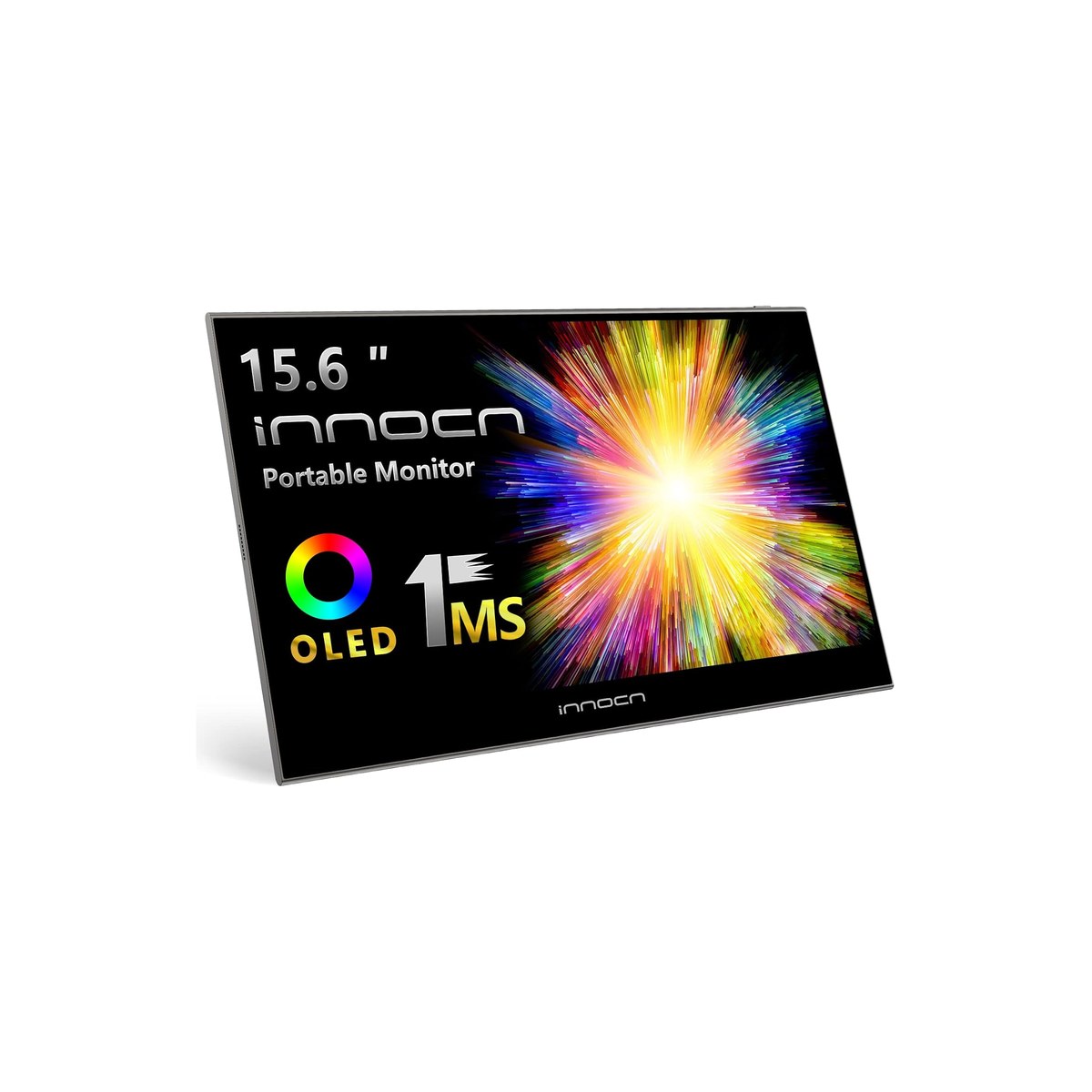
INNOCN 15.6 inch OLED
The OLED for color and dim-space glare, priciest to run and lowest-rated, so buy it eyes open.
Who it's for: the creative who needs accurate color on the road, or the night-shift worker who wants the deep blacks that make a screen comfortable in a dark RV or cabin without lighting up the whole space.
What we found: the INNOCN is a 15.6 inch 1080p OLED at 100% DCI-P3, and the OLED panel is the real reason to buy it: the color is the best here and the self-lit blacks cut the glare that an LCD's backlight throws in a dim cabin at night. Two honest cautions. It is the lowest-rated pick in this guide at 4.2 stars across about 210 reviews, a thin sample that could move either way and tracks with the higher quality-control variance OLED portables carry, so register the warranty and check it on arrival. And OLED draws hardest on the bright, white-heavy screens most work involves, a thirstier off-grid choice than the IPS picks.
Bottom line: the pick for color work and dark-cabin comfort if you will pay $200 and accept the QC and power tradeoffs. For everyday mobile work, the IPS picks are the safer, lighter-drawing buy.
Skip this guide if...
You work at a fixed desk with wall power and never move it. A full-size monitor is cheaper per inch and far brighter, and a standing-desk home setup will treat you better. A portable monitor earns its price when the desk keeps changing, when outlets are scarce, and when every watt comes off a battery. If none of that is you, buy a normal monitor and skip this guide.
Don't bother with.
- × Skip HDMI-only portable monitors with no USB-C videoThey always need a separate power brick and a second cable, which is the exact opposite of what you want when outlets are scarce. The single-USB-C-cable design, where one cord carries both video and power, is the whole reason a portable monitor works off-grid. An HDMI-only screen is a desk monitor that happens to be thin.
- × Skip 4K portable monitors for everyday mobile workA 4K panel can draw up to about 25 watts, two to three times what a 1080p screen pulls, and at a 15 to 16 inch size viewed at arm's length you will run it at laptop-matching scaling anyway. You pay in battery for pixels you cannot see. Buy 4K only if you genuinely edit photos or video on the road.
- × Skip Anything sold as 'sunlight readable' under about 600 nitsMost portable monitors are 250 to 300 nits, which is a dim flashlight against the sun. True daylight readability starts around 800 to 1000 nits and barely exists on Amazon at a sane price. Plan to work in shade or with your back to the window, not to out-shine the sun with a $150 panel.
How we picked.
How we picked, and why we don't claim to test
We don't run a lab, and we don't drive or sail with every screen for a season. The sites that claim they do mostly don't either. What we did was read the owner-review signal across Amazon and the manufacturer spec sheets, then lean on the reviewers who actually work from a van or a boat. We ranked by how consistent the praise and the complaint are across hundreds to thousands of reviews, weighted for the two things that decide whether a screen earns its weight off-grid.
What makes a portable monitor good for off-grid work?
The first filter is the cable. A monitor with USB-C DisplayPort Alt Mode runs on a single cord that carries both video and power, which is what you want when outlets are scarce. An HDMI-only screen always needs its own power source and a second cable. The best screens go a step further with a second USB-C port that takes passthrough power, so the monitor draws from a wall charger or a power bank instead of your laptop battery. That does not lower the screen's own wattage, but it keeps that draw off your laptop and lets a phone or tablet that cannot power a screen still drive one.
The second filter is power draw. A 1080p portable monitor pulls roughly 8 to 15 watts; a 4K or high-refresh panel can hit 25. That matters more than it sounds: a 10 watt screen on a 60 watt-hour laptop battery can turn a 6 hour work session into about 4 unless you feed it separately. Off-grid, the screen is the single biggest discretionary load on a mobile desk, so we treat low draw and a passthrough-power port as features, not footnotes.
The third filter is brightness. Most of these panels are 250 to 300 nits, which is fine indoors and at a shaded table but washes out in a bright cabin and disappears in direct sun, where you would need 800 to 1000 nits to keep up. We say plainly which screens read well in shade and that none of them beat the sun.
What our scores mean, and what they don't
Our scores reflect how consistent the owner-review signal is, weighted for power and daylight performance, not lab measurements. An 8.9 means owners consistently agree the screen does what it is sold to do for mobile work, and that it handles the power-and-light test well. It does not mean we measured its nits on a colorimeter. Where a pick carries a real tradeoff, like the OLED's quality-control variance or the 144Hz panel's higher draw, we say so in the pick rather than hiding it in the score. A higher star rating does not automatically take the top spot either: the cocopar rates 4.8 and the AOC 4.6, both above our 4.5-star top pick, and we still lead with the ASUS because it is the most complete package for this audience, passthrough power plus anti-glare, a 360 degree kickstand, and a 3 year warranty at $109, where each higher-rated screen gives up one of those.
FAQs.
Q01 Will a portable monitor drain my laptop battery?
+
Q02 What is the difference between a USB-C and an HDMI portable monitor?
+
Q03 Can I run a portable monitor off a power bank or my RV's 12V system?
+
Q04 Are portable monitors bright enough to use outdoors in sunlight?
+
Q05 What size portable monitor should I get, 14, 15.6, or 16 inch?
+
Q06 Is an OLED portable monitor worth it?
+
Q07 Do I need a 4K portable monitor?
+
Q08 Are touchscreen portable monitors useful?
+
Q09 How do I mount a portable monitor in a van or RV without drilling?
+
Q10 Can I use a portable monitor with a phone or tablet?
+
If you, then this.
- IF you want one screen that runs off a bank instead of your laptopGET ASUS ZenScreen MB169CK$109 →
- IF you want a brand-name 16 inch with a built-in stand for lessGET ViewSonic VA1653$90 →
- IF you want the cheapest screen that still worksGET KYY 15.6 inch$66 →
- IF you pack thin and want better colorGET AOC 15.6 inch 125% sRGB$106 →
- IF you want touch input or to VESA-mount the screen to a wallGET cocopar Touchscreen$170 →
- IF you have a fixed desk with power and want 144HzGET Arzopa Z1FC 16.1 inch$110 →
- IF you do color work and want OLED, power be damnedGET INNOCN 15.6 inch OLED$200 →
Work-from-Anywhere Gear: The Complete Guide
The whole mobile-office picture →Every system in a work-from-anywhere setup, organized in one place, with the foundation every remote worker needs and the one guide we trust for each.
- DisplayPort Alt Mode over USB-C · VESA
- USB Power Delivery · USB Implementers Forum